Which render farm supports Blender 5?
Short answer
TURNA, a render farm for Blender only, supports Blender 4.0 to 5.3, Blender 5 included, with Cycles and Eevee. Each file is rendered on the Blender version it was saved with: RTX 4090 and RTX 5090, the card chosen to suit the scene, the 5090 only from Blender 4.4.
A render farm that runs an older Blender than yours can open your file, but not always render it the way you saw it. Before sending a Blender 5 scene, check the exact version the farm will use.
Blender versions on TURNA
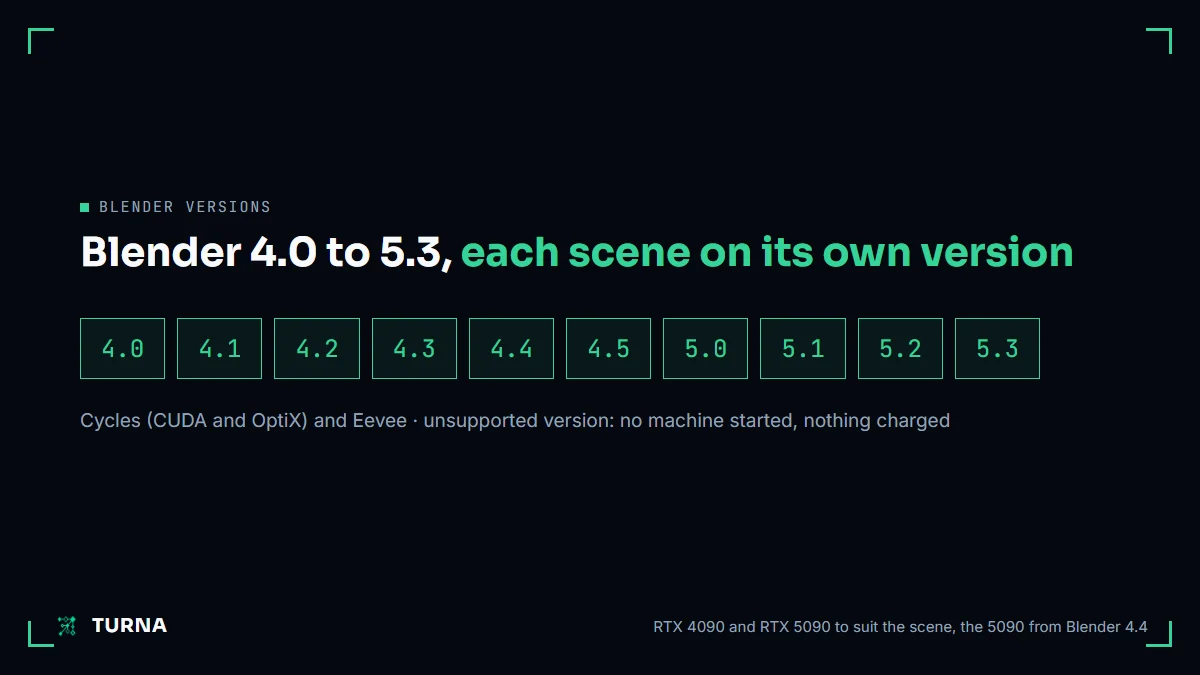
- From 4.0 to 5.3, each scene on the version it was saved with.
- Cycles (CUDA and OptiX) and Eevee, on GPUs: RTX 4090 and RTX 5090, the card chosen to suit the scene, the 5090 only from Blender 4.4.
- Checked before launch: if your version is not supported yet, the add-on says so and nothing starts.
Eevee on a render farm
Eevee renders each frame on the GPU, often fast enough that one computer is plenty for a still. On an animation, sending the frames to several machines in parallel is what saves the time. TURNA renders Eevee animations the same way as Cycles ones, split across 1 to 8 GPUs.
What to check on any render farm
- The exact Blender version it will use, not only “Blender 5”.
- Whether it renders Eevee, or Cycles only.
- How it handles add-ons, linked libraries and simulation caches.
What is new in Blender 5 is covered in the Blender 5 guide, and the Blender render farm add-on page shows how a scene is sent.
Frequently asked questions
Which render farm supports Blender 5?
TURNA renders Blender 4.0 to 5.3, Blender 5 included, with Cycles and Eevee, and each file on the Blender version it was saved with.
Is there a render farm for Blender Eevee?
Yes. TURNA renders Eevee scenes as well as Cycles, on GPUs (RTX 4090 and RTX 5090, the card chosen to suit the scene, the 5090 only from Blender 4.4), from Blender 4.0 to 5.3.
What happens if my Blender version is not supported yet?
The estimate in the add-on says so before launch, and no machine is started.
Why does the exact Blender version matter on a render farm?
A file opened in another version can render differently: changed defaults, renamed features, add-ons or nodes that behave differently. Rendering on the version the file was saved with avoids those surprises.
Rendering the animation on TURNA
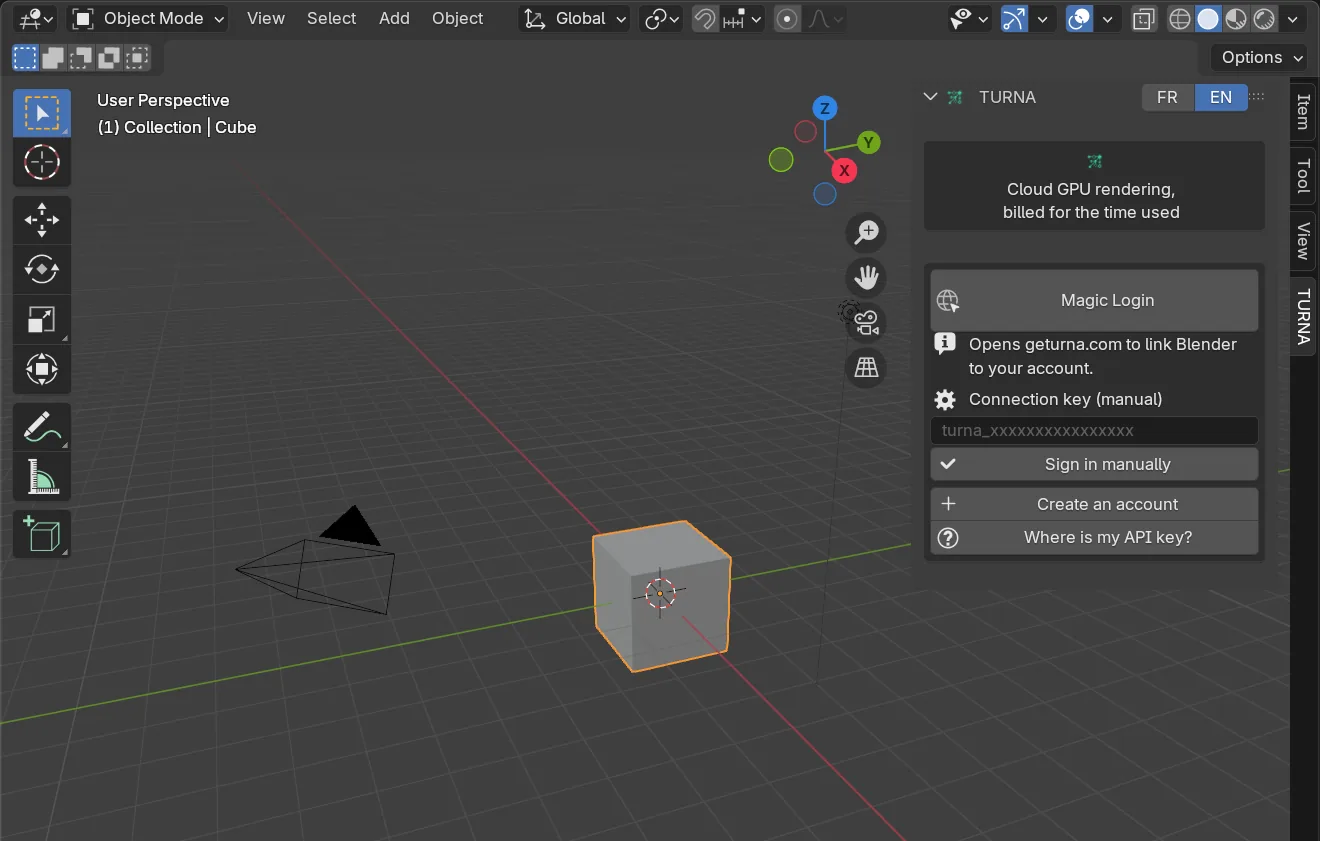
When a scene is already well optimised and the frame count is what takes the time, the remaining lever is rendering several frames at once on a render farm. TURNA does this for Blender: an add-on (Blender 4.0 to 5.3, Cycles and Eevee) sends the scene in one click, and the frames are split across 1, 2, 4 or 8 GPUs in parallel, on RTX 4090 and RTX 5090, the card chosen to suit the scene (the 5090 only from Blender 4.4). The add-on shows the estimated cost before anything starts. Prices start at €4.90 per hour, billed on the time actually used, with a 2-minute minimum, and €25 of free credit is added once your email address is confirmed and the onboarding questionnaire is answered, no credit card, once per person. A single still image is still rendered by one machine, so the gain is on animations. Tiers and worked examples are on the Blender render farm page.
The full list is in the help center: supported Blender versions. New accounts get €25 to try it, and rendering starts at €4.90 per hour excluding VAT.