Non-disclosure agreement
Is your project under NDA? Our render farm NDA is ready to sign.
Download the non-disclosure agreement of TURNA, the Blender render farm, fill it in, sign it and upload it on this page. You receive the countersigned agreement by email. It places no confidentiality obligation on you.
Version 1.1, November 10, 2026 · 5 pages · French law
Upload the signed agreement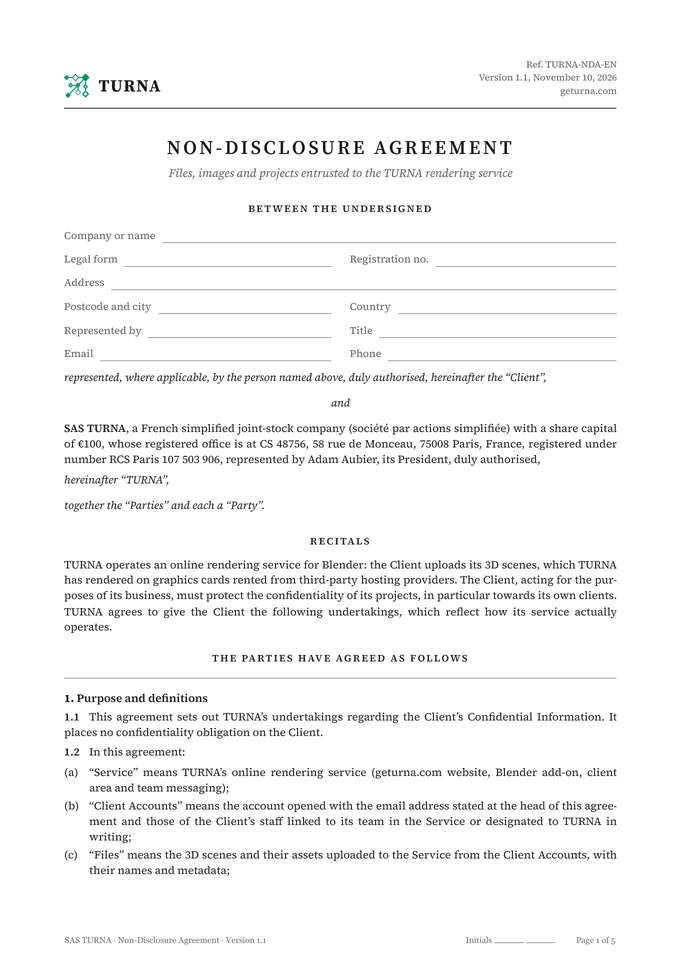
Signed in three steps
- 01
Download the agreement
As a PDF to print or sign online, or as a Word file to fill in on your computer. In English or French.
- 02
Fill in and sign
Your details on the first page, your signature at the end, by hand or with your e-signature tool. Do not edit the text: for any change, please write to us.
- 03
Upload it here
Adam Aubier, President of TURNA, countersigns it. You receive the countersigned agreement by email.
Prefer email? Send it to contact@geturna.com.
What TURNA commits to
A summary of the agreement. Only the signed text is binding.
- Your files and images are used only for your render, your support, your billing and the security of the service.Art. 3
- Never shown, published or used to train AI without your written consent. Your name is not cited as a reference without your consent.Art. 3
- Automated processing: no one on the team opens your files, except at your request or in the cases set out in the agreement.Art. 5
- Rendered in Europe only, in a container destroyed when the render ends. The scene is deleted from our storage after 7 days.Art. 4 to 6
- Any unauthorised access we become aware of is reported to you in writing within 48 hours.Art. 5
- Deletion on written request, carried out and confirmed in writing within 15 days.Art. 6
- Obligations apply throughout the relationship and for 5 years after, and prevail over our terms.Art. 10 and 12
Your questions
Do I need to sign the agreement before sending a scene?
No. Your files are processed the same way for every client, and the agreement also covers those you have already sent. It puts these commitments in writing, in your name, so you can enforce them: it is the document to provide when your own client requires an NDA from its suppliers.
What does the agreement cover if I do not have an account yet?
It covers files sent from the account opened with the email address stated in the agreement, and those of collaborators attached to your team or designated to us in writing. Create your account with that address.
Can I sign electronically?
Yes. The agreement provides for electronic signature, and a signed copy exchanged as a PDF counts as an original. Upload the signed PDF on this page and you receive the countersigned agreement by email.
My client requires its own NDA template. What should I do?
Send it to contact@geturna.com. We review it and can sign it if it matches how the service actually works: automated rendering, in Europe, on graphics cards rented from third-party hosts.
Who can see my files during rendering?
No one on the TURNA team: processing is automated. The rendering machine receives your scene with a mere render ID, never your name or address, and its container is destroyed when rendering ends. It is administered by a third-party host: the agreement says so, as does our Security page, which is why the scene is erased from it as soon as the render ends.
Ready to render?
Create your account, install the Blender add-on and send your scene.