TURNA est une ferme de rendu Blender en ligne : l'application web externalise le calcul des scènes sur des GPU loués à la demande, en Europe en priorité. L'envoi se fait depuis Blender en 1 clic, la répartition sur 1 à 8 GPU en parallèle, et la facturation au temps consommé dès 2,90 €/h.
Utilisation des données (OAuth) : L'authentification via Google (ou email) est requise pour sécuriser l'accès à votre espace de travail. Vos données de profil servent uniquement à lier vos fichiers 3D à votre compte, gérer votre facturation et vous envoyer des notifications d'état des serveurs.
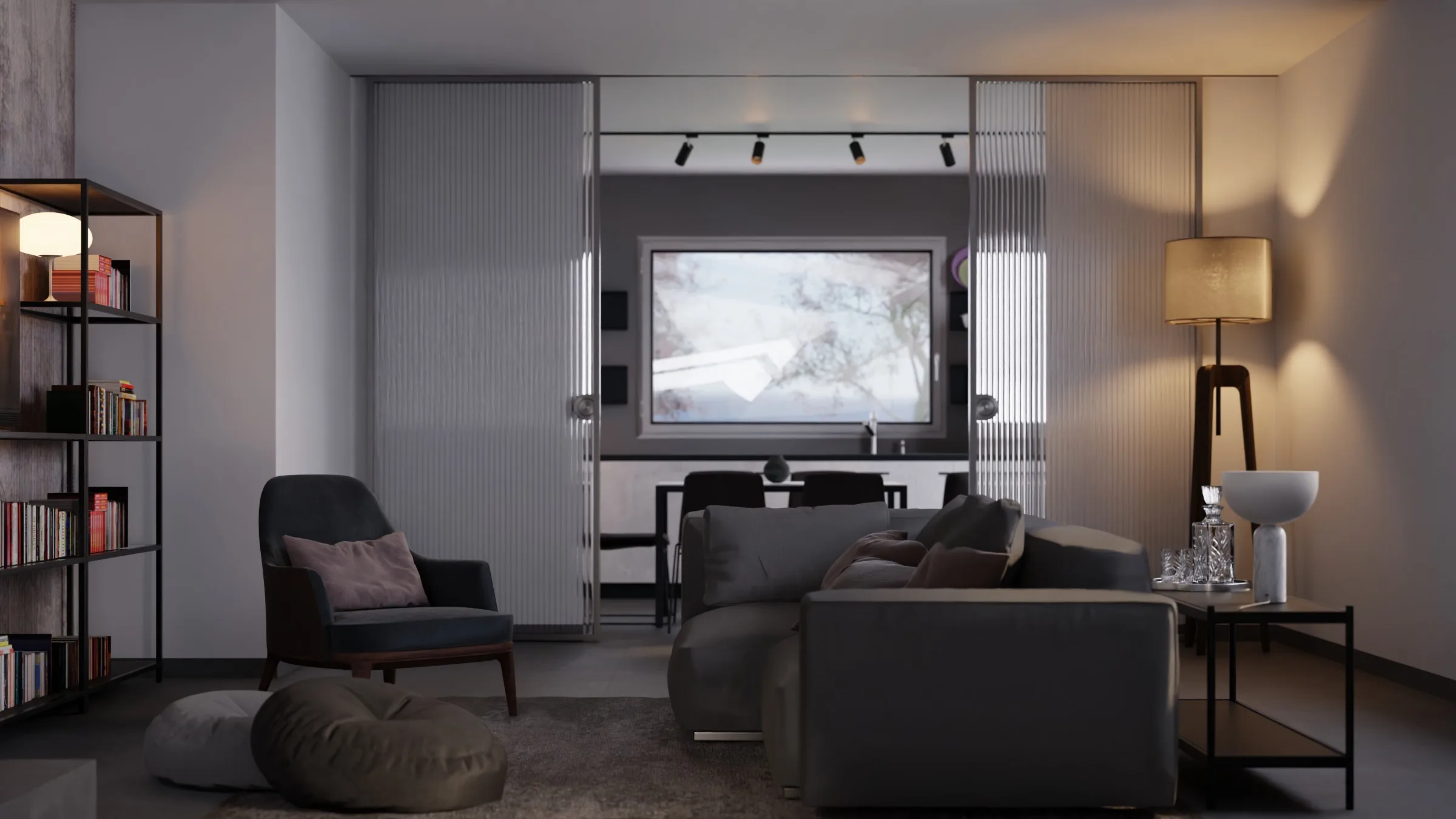
Italian Flat · Flavio Della TommasaCycles · 256 samplesBlender demo scene (CC-BY)
€2.90/h
on the time used
1 to 8 GPUs
in parallel
Blender 4.0 to 5.2
sent from the add-on
€25 free
no credit card
Your needs
Three needs. A precise answer to each, and its proof.
01
Avoid investing in hardware
No render workstation to buy, install or maintain. You top up credits from €10 excl. VAT, with no mandatory subscription, and the render is billed on the time actually used, with a 30-second minimum.
The estimated cost is shown in Blender before each render. You invite your collaborators by email from the team page of your dashboard. Each one generates their own key when accepting the invitation, and you can set a spending cap per person: the server checks it on every render. Every payment generates a PDF invoice with VAT.
Proof
A series of 16 archviz views at 15 minutes is estimated at €11.60 excl. VAT on the Standard tier.
03
Protect our clients' files
Rendering runs in Europe first; failing that, only in a country the European Commission recognises as offering adequate data protection; otherwise, the render waits for a machine to become free. As soon as the render finishes, the scene and the images are erased from the machines that produced them. The scene is then kept for a few days on our European storage so that your render can be relaunched, then deleted.
A file to add to Blender 4.0 to 5.2, linked to your TURNA account.
02
Choose the speed
The tier sets the number of GPUs. The estimated time and cost are shown before sending.
03
Get your images
Follow the preview in your dashboard, then download the archive, kept for at least 30 days.
Worked example
A series of 16 views. More GPUs in parallel, less waiting.
16 views at 15 minutes per view. This time per frame is that of an RTX 4090, the card TURNA falls back on. On your computer, with an RTX 3060, each frame takes about 57 minutes: count on 15 h 12 during which it can do nothing else. On TURNA, your computer stays free and, on Turbo, the shot is ready in 30 min.
Where to renderWaitReady inTime savedCost excl. VAT
Your computer
RTX 3060, tied up during the render
15 h 12
-
-
TURNA Standard
1 GPU · €11.60 excl. VAT
11 h 12 saved
4 h 00
11 h 12 saved
€11.60
TURNA Boost
2 GPUs in parallel · €15.80 excl. VAT
13 h 12 saved
2 h 00
13 h 12 saved
€15.80
TURNA Max
4 GPUs in parallel · €19.90 excl. VAT
14 h 12 saved
1 h 00
14 h 12 saved
€19.90
TURNA Turbo
8 GPUs in parallel · €24.95 excl. VAT
14 h 42 saved
30 min
14 h 42 saved
€24.95
The time on your card comes from the GPU scores of our render time calculator (in French), aligned with the Blender Open Data ranking (in French): 40 for an RTX 3060, 152 for an RTX 4090. An RTX 5090, served first, is faster than this table; the actual gap depends on the scene. Billed on the time actually used, with a 30-second minimum. For your own scene, the render time calculator starts from the time of one frame.
A question before you start?
A member of the team replies within 24 hours, Monday to Friday. Already a customer? Write to us from your dashboard, Messages icon.
Yes. Every payment generates a PDF invoice with VAT, sent by email, and the history stays available in your account.
Where are our renders processed?
In Europe first; failing that, only in a country the European Commission recognises as offering adequate data protection; otherwise, the render waits for a machine to become free.
Can we cap each collaborator's spending?
Yes. You set a spending cap per person, and the server checks it before each render.
Do we need a subscription?
No. You top up credits from €10 excl. VAT when a project needs them.
Who can we talk to before starting?
Write to us from the Contact page: a member of the team replies within 24 hours, Monday to Friday.
Launch your first render. €25 free, no credit card required.